


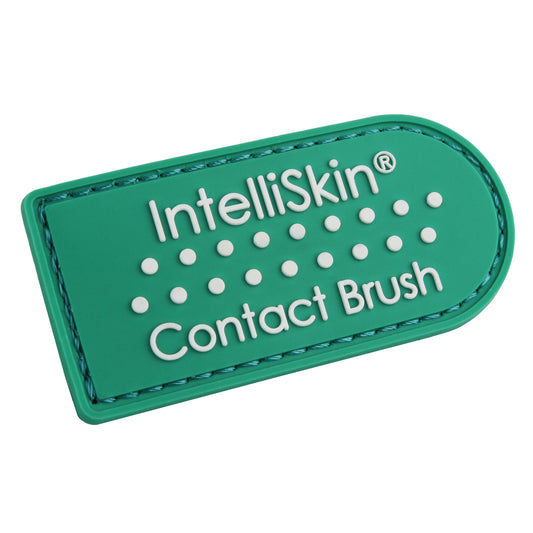
RAM Mounts IntelliSkin Contact Brush for GDS Contacts (RAM-GDS-BRUSH-01U)
Regular price
10,90 € +VAT
RAM Mounts IntelliSkin Contact Brush (RAM-GDS-BRUSH-01U) is a small cleaning brush for the GDS contacts along the bottom of an IntelliSkin sleeve. Dirt on those contacts can interrupt charging and data when the device goes into its dock, and a quick brush clears it. An adhesive pad is included, so the brush can sit on the skin itself or next to the dock where users will find it.
| Part Number | RAM-GDS-BRUSH-01U |
|---|---|
| Use | Cleaning the GDS contacts on IntelliSkin sleeves |
| Mounting | Adhesive pad |
| Weight | 0.02 kg (0.04 lb) |
| In the Box | Contact brush, adhesive pad |
Looking after a large pool of IntelliSkin devices? As an Official RAM Mounts Reseller we can add a contact brush to every dock installation or ship them as part of a service kit.
Whenever a skinned device stops charging or syncing reliably in its dock, and as regular care. Brush the GDS contacts on the bottom of the IntelliSkin before docking.
Stick the included adhesive pad to the IntelliSkin case, the dock or another nearby surface and store the brush there.
Don't forget! The products that you viewed. Add it to cart now.
Here’s some of our most similar products people are buying. Click to discover trending style.